WordPress Editing & Handoff
Editor Experience & Handoff
Reusable WordPress blocks are only successful if the next person can update them confidently. Developed through an AI-accelerated, developer-led workflow, this showcase explains how each block is structured to give editors useful control while protecting layout, accessibility, and design consistency.
- Clear editing boundaries for content and layout decisions
- Reusable patterns that reduce one-off fixes after launch
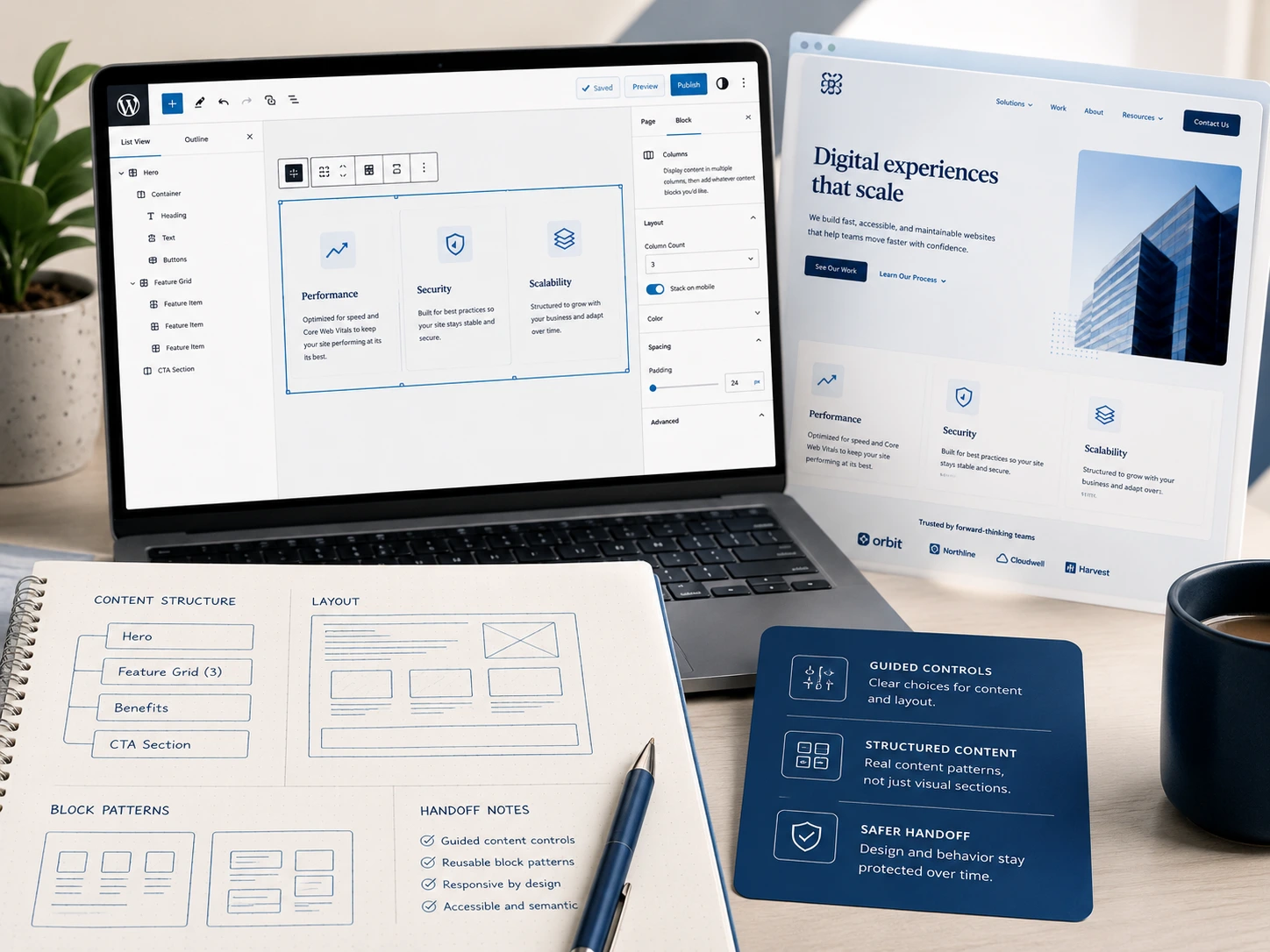
A visual overview of the block editing experience: guided controls, structured content, protected layout decisions, and the front-end result they support.
The real test starts after launch
Many WordPress projects look polished on launch day, but become difficult to maintain once editors start adding new content, swapping media, or building new pages. The editing experience matters because it determines whether the site can keep its structure and design quality after handoff.
These blocks are designed so editors can update meaningful content without being handed enough control to accidentally break the layout.
What editors can safely change
What editors can safely change
- Headings, body copy, and calls to action
- Images, video, and supporting media
- Card order and repeated content
- Background style options
- Visibility toggles
- Links, labels, and source details
What the block structure protects
- Responsive layout behavior
- Spacing and visual rhythm
- Accessibility states and keyboard behavior
- Grid structure
- Design tokens and brand consistency
- Markup patterns and reusable component structure
The editing model depends on the content
Some blocks only need a focused set of fields. Others work better when each item becomes its own child block. The goal is to choose the editing model that makes future updates clearer, safer, and easier to maintain.
I choose the editing model based on how someone will maintain the content later, not just how the front end looks.
Focused field controls
- Best for
- One clear section with predictable content.
- Example blocks
- Page Banner, Flexible Feature Section.
- Why it works
- Editors can adjust meaningful options without rebuilding the layout.
Simple repeatable content
- Best for
- Small sets of similar items.
- Example use
- Short lists, logos, or compact supporting details.
- Why it works
- Repeated content stays grouped when each item does not need its own complex editing surface.
Parent and child blocks
- Best for
- Complex repeatable content where each item has its own structure.
- Example blocks
- Content Switcher, Comparison Cards, Proof Cards.
- Why it works
- Each panel or card becomes a real editable unit that can be reordered, previewed, and maintained more clearly.
Editor-friendly blocks
Reusable blocks in practice
These examples show how reusable sections support flexible layouts, safer editing, and consistent front-end presentation across different content patterns.
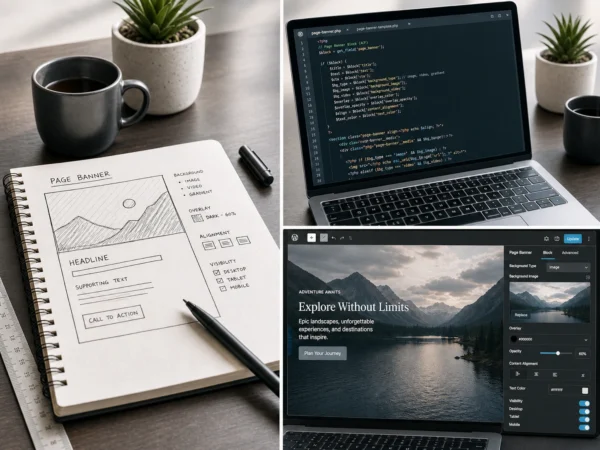
Page Banner
Editors can adjust media, overlay, alignment, and visibility options while the block protects readability and responsive behavior.
View case study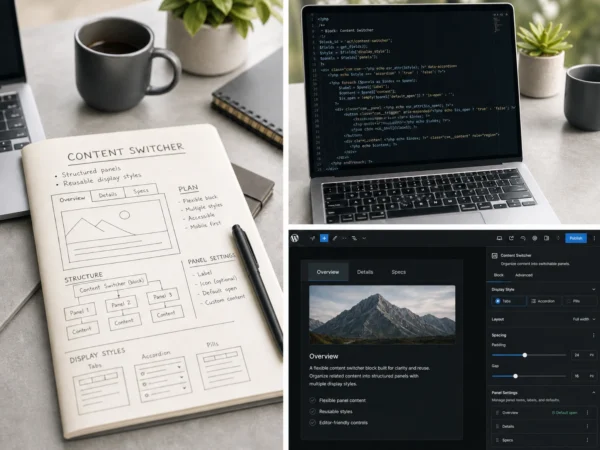
Content Switcher
Editors manage structured panels while the block handles tab behavior, deep links, keyboard support, and mobile fallback.
View case study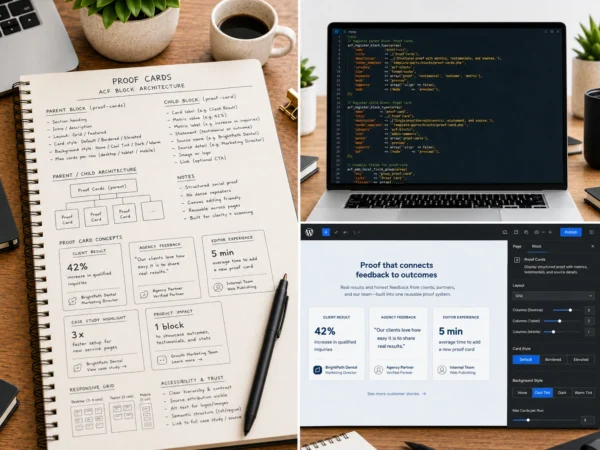
Proof Cards
Editors manage testimonials, results, metrics, source details, and optional media without inventing a new layout each time.
View case studyDesigned for the next person who edits the page
A clean front end is only one part of the job. These blocks are designed so agencies and clients can hand off pages with clear editing boundaries, reusable content patterns, and fewer opportunities for accidental layout damage.
Less guesswork
Editors can make changes confidently because controls are organized around real content decisions.
Fewer broken layouts
Spacing, responsive behavior, and component structure stay protected as pages evolve.
Faster content updates
Reusable blocks reduce the effort needed to launch new sections or refresh existing content.
Cleaner agency handoff
The editing experience is easier to explain because the available controls make clear what can and cannot change.
Reusable patterns
Content teams can create new pages from proven block patterns instead of reinventing layouts each time.
Design consistency over time
Reusable sections help teams preserve branding and visual quality long after the initial launch.
Reusable blocks that stay useful after launch
Reusable sections work best when they are easy to hand off, document, and extend after the original build is complete.